
Does gaming pc rtx 5080 support Frame Generation?
The NVIDIA GeForce RTX 5080 is a powerful graphics card designed for gamers who want high frame rates, detailed visuals, and advanced graphics features. With modern games demanding more processing power than ever, technologies such as Frame Generation have become increasingly important. They help make gameplay appear smoother without requiring the graphics card to render every displayed frame traditionally.
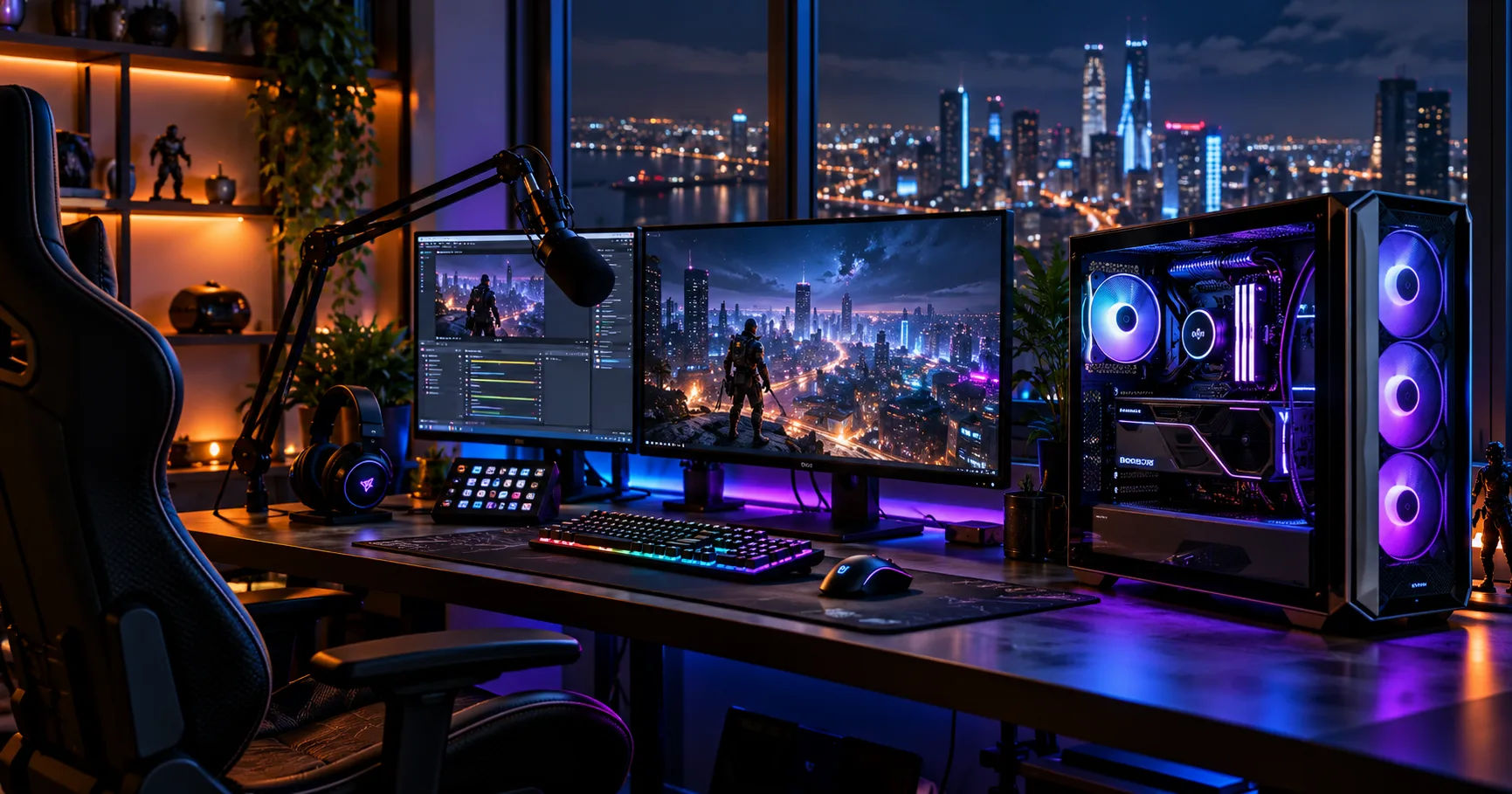
If you are considering a gaming pc rtx 5080, you may be wondering whether it supports Frame Generation, how the technology works, and whether it makes a noticeable difference in real gaming situations. The good news is that NVIDIA's RTX 50-series graphics cards support advanced AI-powered Multi Frame Generation through DLSS 4, making them particularly attractive for gamers who want to experience demanding games at high refresh rates.
Understanding how this technology works can help you decide when to enable it, which games benefit most, and what settings deliver the best balance between image quality, responsiveness, and performance.
What Is Frame Generation?
Frame Generation is a graphics technology that creates additional frames between traditionally rendered frames. Instead of requiring the graphics card to render every frame individually, supported software uses artificial intelligence and information from existing frames to generate intermediate images.
The result can be a smoother-looking gaming experience, particularly when playing graphically demanding titles at high resolutions.
Traditional Rendering vs. Frame Generation
In traditional rendering, the graphics card produces each frame using the game's graphics engine. The GPU calculates lighting, shadows, textures, geometry, and other visual details before displaying the completed image.
Frame Generation introduces another step. It uses information from rendered frames, motion data, and AI models to create additional frames that can be displayed between the original ones.
For example, a game rendering 60 traditional frames per second may display a considerably higher frame rate when Frame Generation is enabled. The exact result depends on the game, graphics settings, GPU performance, and the selected generation mode.
However, generated frames are not identical to traditionally rendered frames in terms of how they are produced. A higher displayed frame rate does not automatically mean the game responds more quickly to mouse movements or controller inputs.
Why Gamers Use Frame Generation
Frame Generation can be especially useful when playing demanding games with detailed environments, realistic lighting, and advanced ray tracing.
Its main benefits include:
-
Smoother-looking movement and camera transitions.
-
Higher displayed frame rates on compatible hardware.
-
Better visual fluidity when exploring detailed environments.
-
Improved opportunities to enjoy high-refresh-rate monitors.
-
Additional performance headroom for demanding graphics settings.
For many players, these advantages make Frame Generation a valuable feature rather than simply another graphics setting.
Does Gaming PC RTX 5080 Support Frame Generation?
Yes. A gaming pc rtx 5080 supports NVIDIA DLSS Frame Generation and the more advanced Multi Frame Generation technology introduced with DLSS 4. These features are designed to improve displayed frame rates in compatible games.
The RTX 5080 belongs to NVIDIA's GeForce RTX 50 series, which uses the Blackwell architecture. This generation includes fifth-generation Tensor Cores that help power AI-based graphics technologies.
According to NVIDIA, DLSS Multi Frame Generation can generate up to three additional frames for every traditionally rendered frame in its original DLSS 4 implementation. Newer DLSS 4.5 features can support higher multipliers in compatible configurations.
Standard Frame Generation and Multi Frame Generation
Although these features have similar names, they do not operate in exactly the same way.
The exact features available depend on the game, driver version, NVIDIA app settings, and whether the game has native support or can use a compatible override.
Why the RTX 5080 Is Suitable for Multi Frame Generation
Multi Frame Generation benefits from dedicated AI processing hardware. The RTX 5080 combines this capability with substantial graphics performance, making it suitable for demanding games at 1440p and 4K.
For example, a game that struggles to maintain a high native frame rate with demanding ray-tracing effects may become noticeably smoother when compatible DLSS features are enabled.
However, the actual improvement varies by game. The results depend on the starting frame rate, processor performance, rendering resolution, and graphics settings.
How DLSS Frame Generation Works on the RTX 5080
Understanding the technology helps explain why the RTX 5080 can produce a higher displayed frame rate without rendering every frame from scratch.
Step 1: The GPU Renders the Original Frames
The graphics card first renders a series of normal frames using the game's engine. These frames contain information about the environment, lighting, character positions, and other visual elements.
The game can also provide motion vectors and depth information that help the graphics system understand how objects move between frames.
Step 2: AI Analyzes Movement
The AI model analyzes available visual and motion information to estimate how the scene changes between rendered frames.
For example, when a player turns the camera, the system can estimate the movement of nearby buildings, objects, and characters.
This information helps it create an intermediate frame that fits between the original images.
Step 3: Additional Frames Are Generated
With standard Frame Generation, the system generates one additional frame between traditionally rendered frames.
Multi Frame Generation can create several additional frames, depending on the selected multiplier and the supported implementation.
Illustrative example of Multi Frame Generation
One traditionally rendered frame followed by three generated frames.
Rendered
Frame A
Generated
Frame B
Generated
Frame C
Generated
Frame D
This is a simplified illustration of a 4X multiplier, not a benchmark or a guarantee of the resulting frame rate.
The generated frames help fill the visual gaps between traditionally rendered frames. This can make movement appear more fluid, particularly on a high-refresh-rate monitor.
Step 4: The Frames Are Displayed
The graphics system presents the rendered and generated frames in sequence. When everything works correctly, camera movement and animations appear smoother.
NVIDIA Reflex is also important because it helps reduce system latency in supported games. It complements Frame Generation by improving responsiveness, although it cannot eliminate all latency associated with generating extra frames.
What Is the Difference Between DLSS 3 and DLSS 4?
DLSS 3 introduced Frame Generation for the GeForce RTX 40 series. DLSS 4 expanded the technology with Multi Frame Generation for RTX 50-series graphics cards.
The RTX 5080 can use both standard Frame Generation and Multi Frame Generation when the game and software configuration support them.
DLSS 3 Frame Generation
The original DLSS 3 Frame Generation system creates one additional frame between traditionally rendered frames. This can improve visual smoothness without requiring the GPU to render every displayed image conventionally.
Although RTX 40-series graphics cards introduced this feature, it is also supported on RTX 50-series GPUs.
DLSS 4 Multi Frame Generation
DLSS 4 Multi Frame Generation expands the approach by allowing multiple generated frames for each traditionally rendered frame. It was introduced specifically for GeForce RTX 50-series hardware.
This makes the RTX 5080 particularly useful for gamers who want to push higher displayed frame rates while playing demanding games with ray tracing or at 4K resolution.
DLSS 4.5 and Newer Improvements
NVIDIA's DLSS 4.5 developments introduce updated AI models and Dynamic Multi Frame Generation. Depending on the compatible game and software configuration, supported RTX 50-series systems can use higher frame-generation multipliers than the original DLSS 4 implementation.
These newer features may require updated drivers, the NVIDIA app, or game-specific support. They should not be assumed to be available in every title automatically.
How to Enable Frame Generation on an RTX 5080 PC
Enabling Frame Generation is usually straightforward, but the exact steps vary between games. A gaming pc rtx 5080 needs compatible software and a supported game to use the feature properly.
Step 1: Update Your NVIDIA Graphics Driver
Install a current NVIDIA Game Ready Driver through the NVIDIA app or the official NVIDIA website. Updated drivers can improve game compatibility, fix graphics problems, and provide access to newer DLSS features.
Restart your computer if the installer requests it.
Step 2: Open a Compatible Game
Launch a game that supports NVIDIA DLSS Frame Generation. You can check the official NVIDIA to find compatible titles. The available features differ between games.
Step 3: Open the Graphics Settings
Navigate to the game's graphics or display settings. Look for options such as:
-
NVIDIA DLSS.
-
Frame Generation.
-
Multi Frame Generation, where available.
-
DLSS Super Resolution.
-
NVIDIA Reflex.
Enable Frame Generation and select an appropriate DLSS mode. If Multi Frame Generation is available, choose a multiplier that suits your monitor and preferred level of responsiveness.
Step 4: Use the NVIDIA App if Necessary
Some games have not integrated every newer DLSS feature directly into their settings. For supported titles, the NVIDIA app offers DLSS overrides that can enable Multi Frame Generation when the game's Frame Generation option is already enabled.
Open the NVIDIA app, navigate to the graphics settings for the relevant game, and look for the available driver-level overrides. Follow NVIDIA's current instructions for the supported options.
Step 5: Test Your Settings
Play the game for several minutes and compare the experience with Frame Generation enabled and disabled.
Pay attention to displayed frame rate, input responsiveness, image quality, and any visual artifacts. A higher number on the FPS counter is useful, but the overall gaming experience matters more.
Which Games Benefit Most From Frame Generation?
Not every game benefits equally from this technology. Its usefulness depends on how demanding the game is and how well its graphics engine supports DLSS.
Graphically Demanding AAA Games
Large open-world games often feature detailed environments, complex lighting, and realistic shadows. These effects can put significant pressure on a graphics card.
Frame Generation can make camera movement and exploration look smoother when the game supports DLSS and the underlying performance is already reasonable.
Ray-Tracing and Path-Tracing Games
Ray tracing simulates how light interacts with surfaces to create realistic reflections, shadows, and illumination. Path tracing takes this approach further and can be especially demanding.
A gaming pc rtx 5080 can combine supported ray-tracing features with DLSS Super Resolution and Multi Frame Generation to improve performance while preserving much of the visual detail.
NVIDIA has demonstrated DLSS 4 Multi Frame Generation in demanding games such as Cyberpunk 2077 and Hogwarts Legacy. Actual results vary with the game, resolution, and graphics configuration.
Competitive Multiplayer Games
Competitive games require quick reactions, precise aiming, and consistent responsiveness.
Although Frame Generation can improve visual smoothness, a very high generated frame rate does not necessarily provide the same responsiveness as an equally high natively rendered frame rate.
For fast-paced shooters, consider prioritizing a strong native frame rate, low system latency, and NVIDIA Reflex. Test Frame Generation rather than assuming it will always improve competitive performance.
Does Frame Generation Reduce Input Lag?
Frame Generation can introduce additional processing and display latency because generated frames are not independently rendered in the same way as traditional frames.
This is an important distinction for anyone buying a powerful graphics card primarily for gaming.
NVIDIA Reflex helps reduce system latency by coordinating CPU and GPU work more efficiently in supported titles. It is particularly useful when combined with DLSS Frame Generation.
However, Reflex does not make generated frames equivalent to traditionally rendered frames in terms of input responsiveness.
For single-player adventure games, role-playing games, and visually demanding titles, the smoother presentation may be worth the trade-off. For competitive esports, native rendering at a high frame rate may feel better.
The best choice depends on the game, your monitor, and your personal preference.
Recommended Settings for the RTX 5080
Choosing the right settings can help you get the most out of Frame Generation without sacrificing image quality or responsiveness.
These are starting points rather than universal rules. Your results will depend on the game and your computer's other components.
Choose a Suitable Monitor
A high-refresh-rate monitor helps you benefit from increased displayed frame rates. For example, a 144Hz or 240Hz monitor can display more frames per second than a conventional 60Hz screen.
However, the monitor's refresh rate is only one part of the experience. Response time, adaptive synchronization, resolution, and input latency also influence how gameplay feels.
If your monitor supports NVIDIA G-SYNC or a compatible adaptive-sync standard, enabling the appropriate option can help reduce screen tearing.
Check Your CPU and Memory
Even a powerful graphics card can be limited by a slower processor or insufficient system memory in certain games.
A well-balanced PC should have a capable modern CPU, adequate RAM, sufficient storage, and a reliable power supply. Frame Generation cannot eliminate every CPU bottleneck or correct poor performance caused by other system limitations.
For a gaming pc rtx 5080, choosing compatible components is just as important as selecting the graphics card itself.
Are There Any Disadvantages to Frame Generation?
Frame Generation has several advantages, but it is not a perfect solution for every gaming situation.
Potential disadvantages include:
-
Visual artifacts: Fast movement, complex edges, or rapidly changing scenes can occasionally produce visual inconsistencies.
-
Additional latency: Generated frames may increase the time between player input and displayed results compared with native rendering at a similar displayed frame rate.
-
Extra processing requirements: Frame Generation uses GPU resources, so the performance improvement varies with the workload.
-
Game compatibility: Not every game supports every DLSS feature or generation multiplier.
-
Diminishing returns: Increasing the multiplier may produce a higher displayed frame rate without providing an equivalent improvement in responsiveness.
Starting with a solid native frame rate is generally preferable to relying on Frame Generation to compensate for extremely poor baseline performance.
Conclusion
Yes, the NVIDIA GeForce RTX 5080 supports Frame Generation, including the advanced Multi Frame Generation technology introduced with DLSS 4. This makes it a strong choice for gamers who want smoother gameplay, high displayed frame rates, and the ability to enjoy demanding graphics settings.
A gaming pc rtx 5080 can take advantage of standard DLSS Frame Generation, Multi Frame Generation, and compatible newer DLSS features. These technologies are particularly useful in graphically demanding single-player games, open-world adventures, and titles with intensive ray tracing.
To achieve the best results, keep your graphics drivers updated, enable the appropriate features in supported games, and experiment with different settings. Pay attention to image quality and input responsiveness instead of judging performance solely by the FPS counter.
Ultimately, Frame Generation is most effective when it complements an already capable gaming system. With suitable hardware, compatible games, and sensible settings, the RTX 5080 can deliver a smooth and visually impressive gaming experience without requiring every displayed frame to be rendered traditionally.